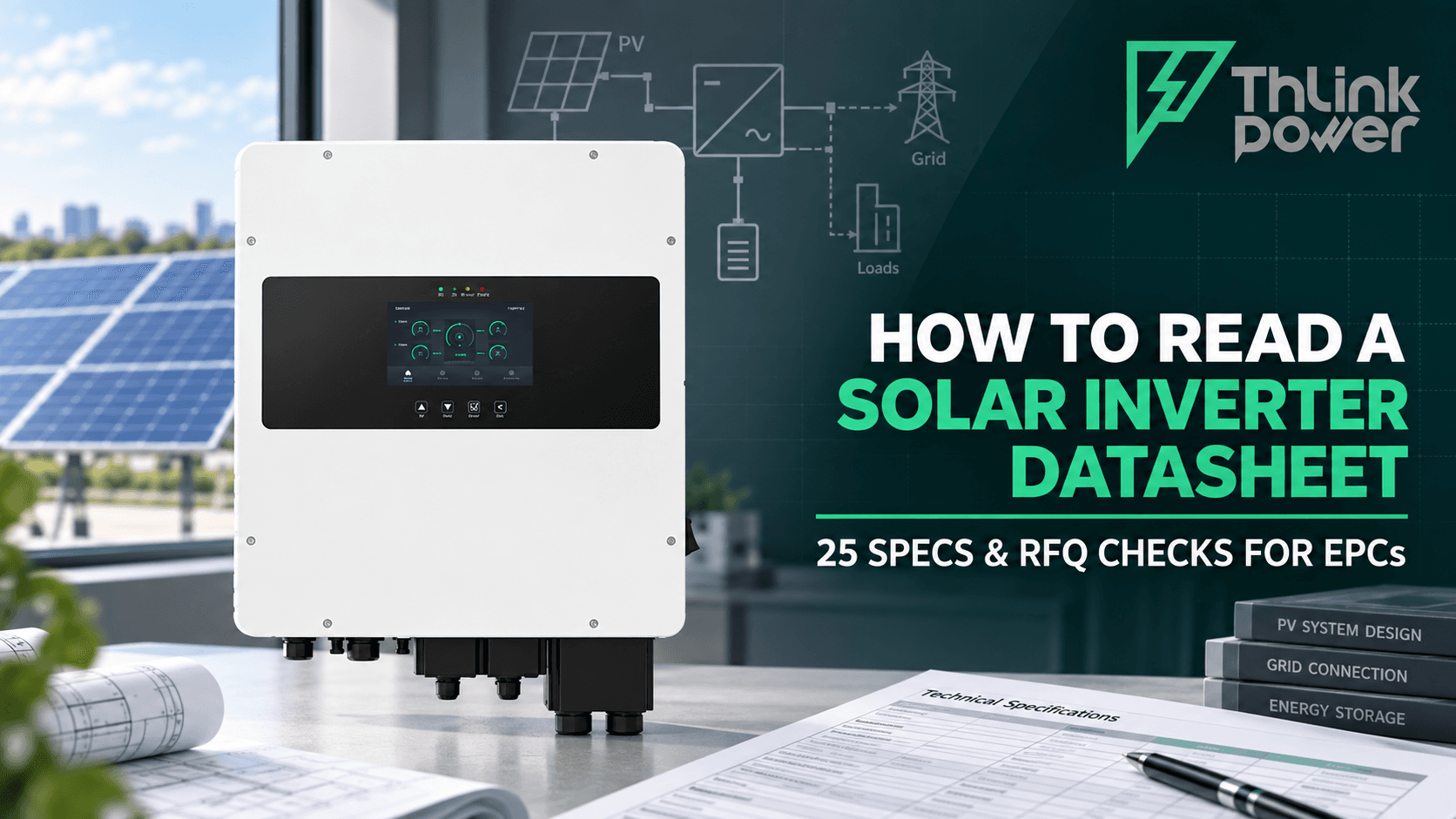
The Dos and Don'ts of DIY Inverter Cleaning
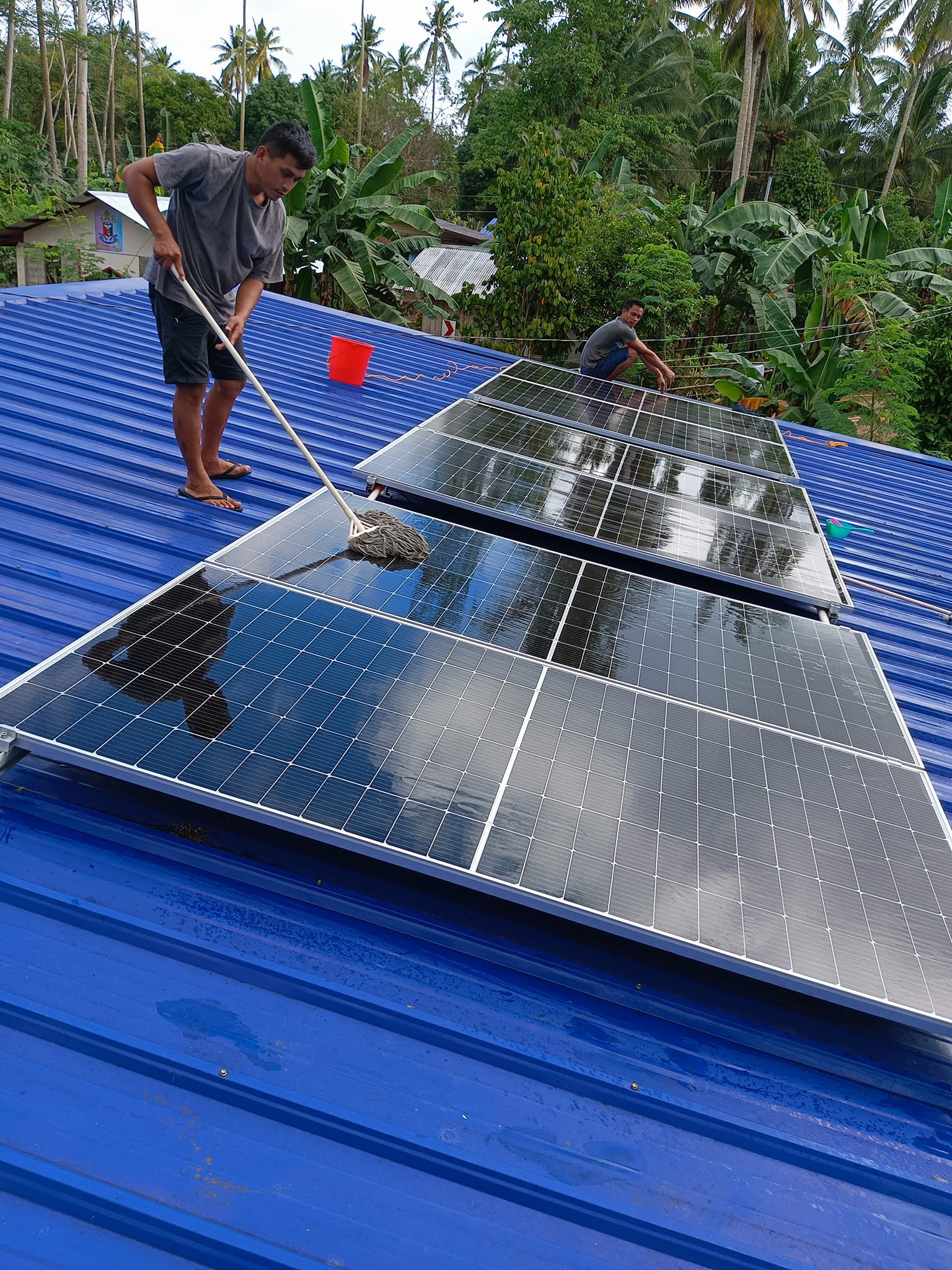
Introduction
Cleaning your inverter is essential for maintaining its efficiency and longevity. However, it's crucial to follow proper guidelines to ensure safety and avoid damaging the equipment. This guide provides practical tips on what to do and what to avoid when cleaning your inverter.
| Category | Key Actions (Concise English) |
|---|---|
| Dos | 1. Power off both AC & DC first to avoid electrical hazards. 2. Use soft dry cloth/microfiber or soft brush to remove dust (vents/fans included). 3. Vacuum gently with a soft-brush attachment for vent/fan dust. 4. Check wiring for wear/looseness; tighten or replace damaged parts. 5. Clean in a sheltered area (no direct sun/extreme weather). 6. Wear rubber gloves & goggles for protection. |
| Don'ts | 1. Never let water touch the inverter directly (use slightly damp cloth only if necessary). 2. Avoid harsh chemicals/abrasives (prevent surface/component damage). 3. Don't disassemble the inverter (only qualified pros can do this). 4. Never clean in direct sunlight (avoids overheating). 5. Don't ignore error codes—stop & consult manual/pro if shown. 6. Never block vents/fans (ensure airflow to prevent overheating). 7. Don't delay pro help if unsure about steps or issues arise. |
Dos
1. Turn Off the Inverter
Before starting any cleaning process, ensure the inverter is completely powered off from both the AC and DC sides. This step is crucial to avoid any electrical hazards.
2. Use Soft, Dry Cloths
Use a soft, dry cloth or microfiber towel to wipe down the exterior of the inverter. This helps remove dust and dirt without scratching the surface or damaging sensitive components.
3. Use a Soft Brush
For more stubborn dirt, use a soft brush to gently remove dust and debris. This is especially useful for cleaning the cooling vents and fans, which can accumulate dust over time.
4. Vacuum Gently
A vacuum cleaner with a soft brush attachment can be used to remove dust from the inverter’s vents and cooling fans. Be gentle to avoid damaging the delicate components.
5. Check for Loose Connections
While cleaning, inspect all wiring and connections for signs of wear or looseness. Tighten any loose connections and replace any damaged wires to ensure optimal performance.
6. Clean in a Sheltered Area
Clean the inverter in a sheltered area, protected from direct sunlight and extreme weather conditions. This helps prevent overheating and potential damage to the inverter.
7. Wear Protective Gear
Wear protective gear such as rubber gloves and goggles to protect yourself from dust and any potential electrical exposure.
Don'ts
1. Avoid Direct Water Contact
Inverters are sensitive to moisture. Avoid using water directly on the inverter to prevent corrosion and electrical failures. If you need to use a damp cloth, ensure it is only slightly damp.
2. Don't Use Harsh Chemicals
Avoid using abrasive cleaners or harsh chemicals, as they can damage the inverter’s surface and components. Stick to mild cleaning solutions if necessary.
3. Don't Disassemble the Inverter
Do not attempt to disassemble the inverter unless you are a qualified professional. Disassembling the inverter can void warranties and lead to potential safety hazards.
4. Avoid Cleaning in Direct Sunlight
Do not clean the inverter in direct sunlight, as this can cause overheating and potential damage to the inverter.
5. Don't Ignore Error Codes
If the inverter displays an error code during cleaning, do not ignore it. Consult the user manual or contact a professional for troubleshooting and resolution.
6. Don't Overlook Ventilation
Ensure that all ventilation openings and fans are free from obstructions. Proper airflow is vital for maintaining optimal performance and preventing overheating.
7. Don't Delay Professional Help
If you encounter any issues or are unsure about any cleaning steps, do not hesitate to seek professional help. A qualified technician can ensure your inverter is cleaned and maintained safely and effectively.
Conclusion
Regular cleaning and maintenance of your inverter are crucial for ensuring its efficient operation and extending its lifespan. By following these dos and don'ts, you can keep your inverter in optimal condition while avoiding potential hazards. Always prioritize safety and consult the user manual or a professional if you have any doubts.
For more information on photovoltaic technology, please visithttps://youtu.be/JB56vgBNr6E?si=48ZjW1I9exvg7s-o or our youtube homepage for detailed content.